Minimise or move the format panel in the Sketch editor theme
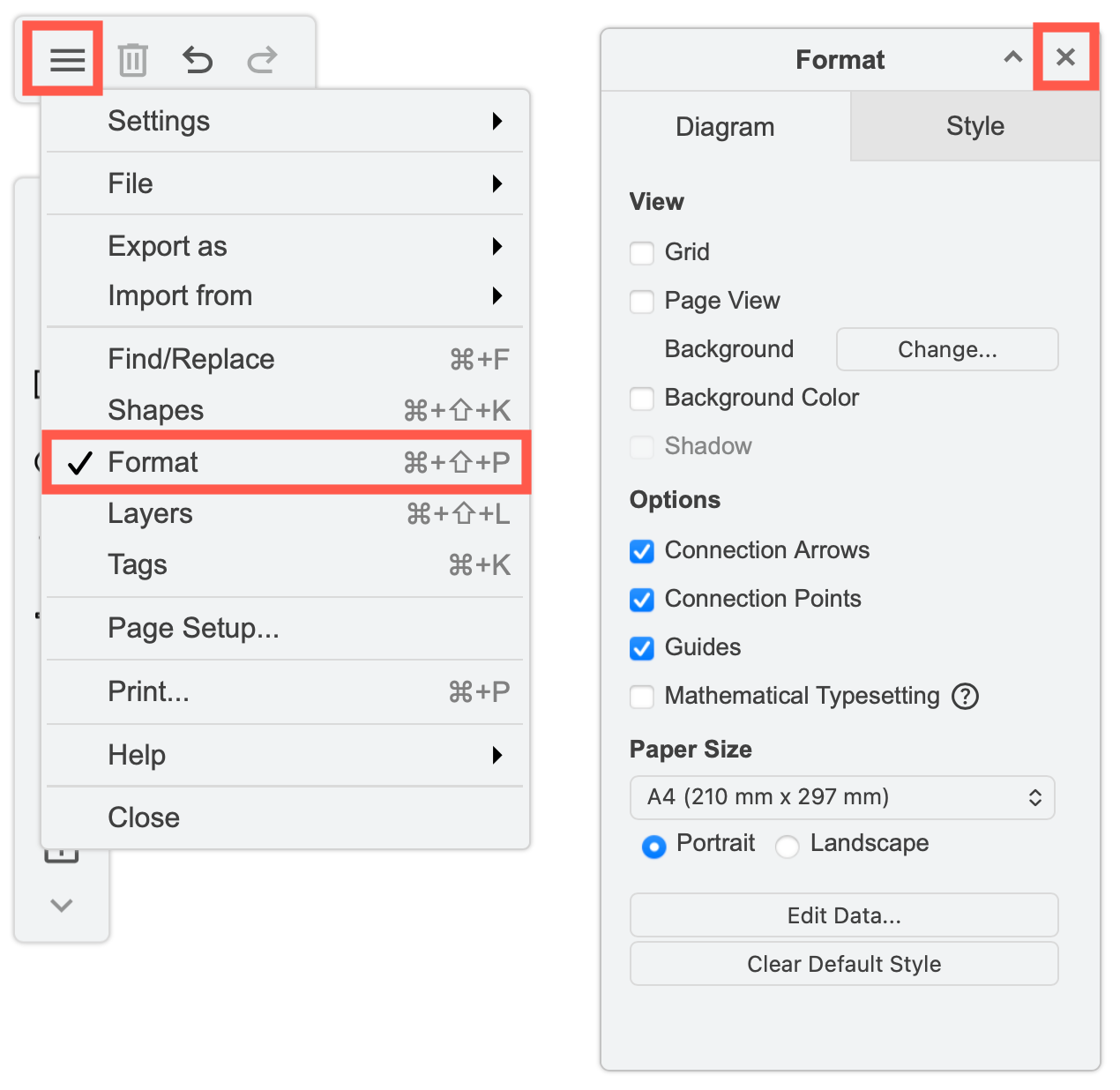
Open/close the panel: Click on the cross in the top right of the panel to close it. Select Format from the draw.io menu in the top left to reopen this panel.
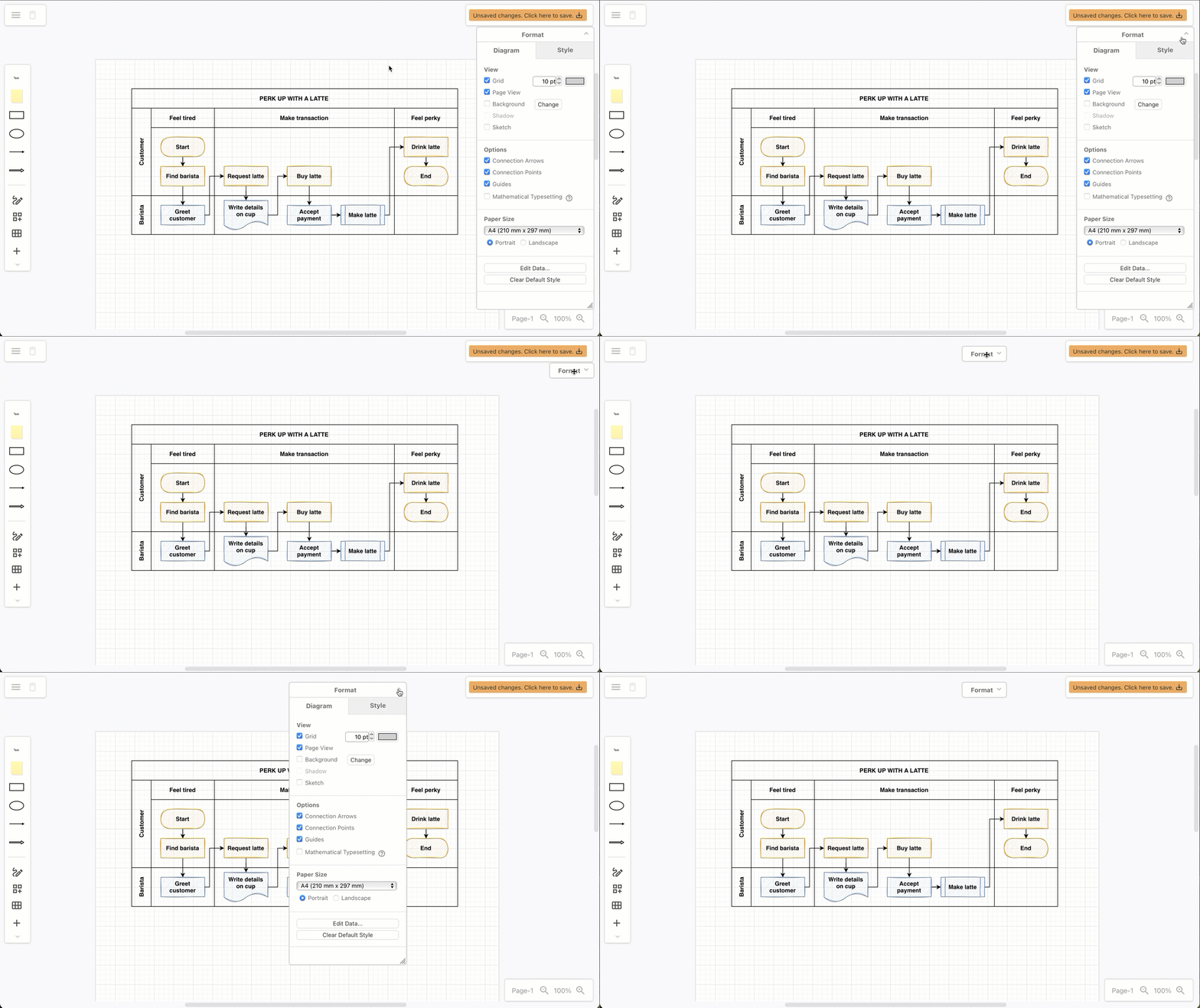
Minimize/Maximise the panel: When using the Sketch whiteboard-like editor theme, click on the arrow in the Format panel title to minimise or maximise the panel.
Move the panel: Drag the Format panel title to move it around the drawing canvas.
See how to show or hide the format panel when using the default editor themes.