Insert a template in the Sketch editor theme
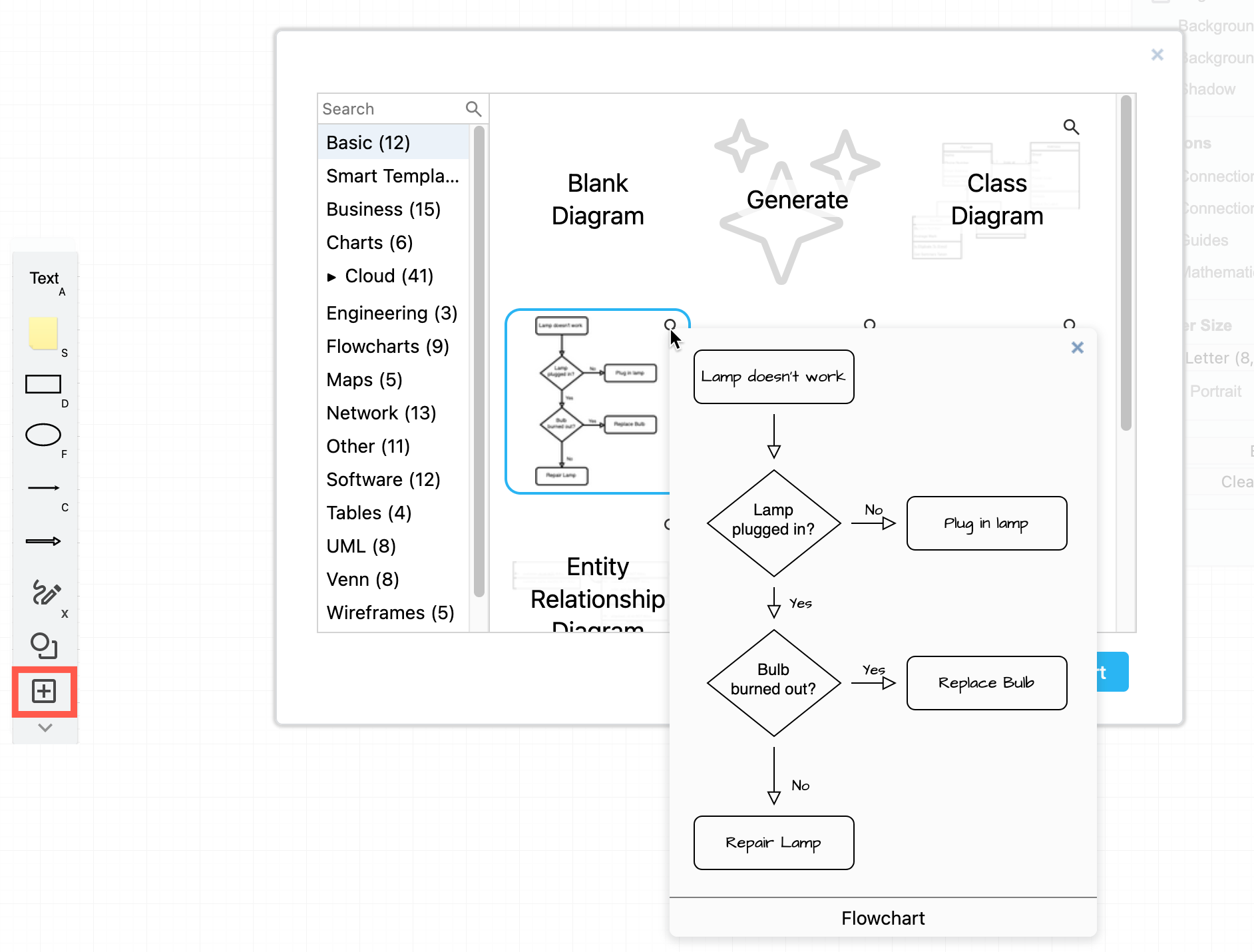
- Click + > Template in the toolbar on the left to open the template library.
- Select the template category on the left. Click on the magnifying glass in the top right of a template thumbnail on the right to see a larger preview.
- Select the template you want to use, then click Insert.
See how to use draw.io as an online whiteboard