Draw a freehand shape
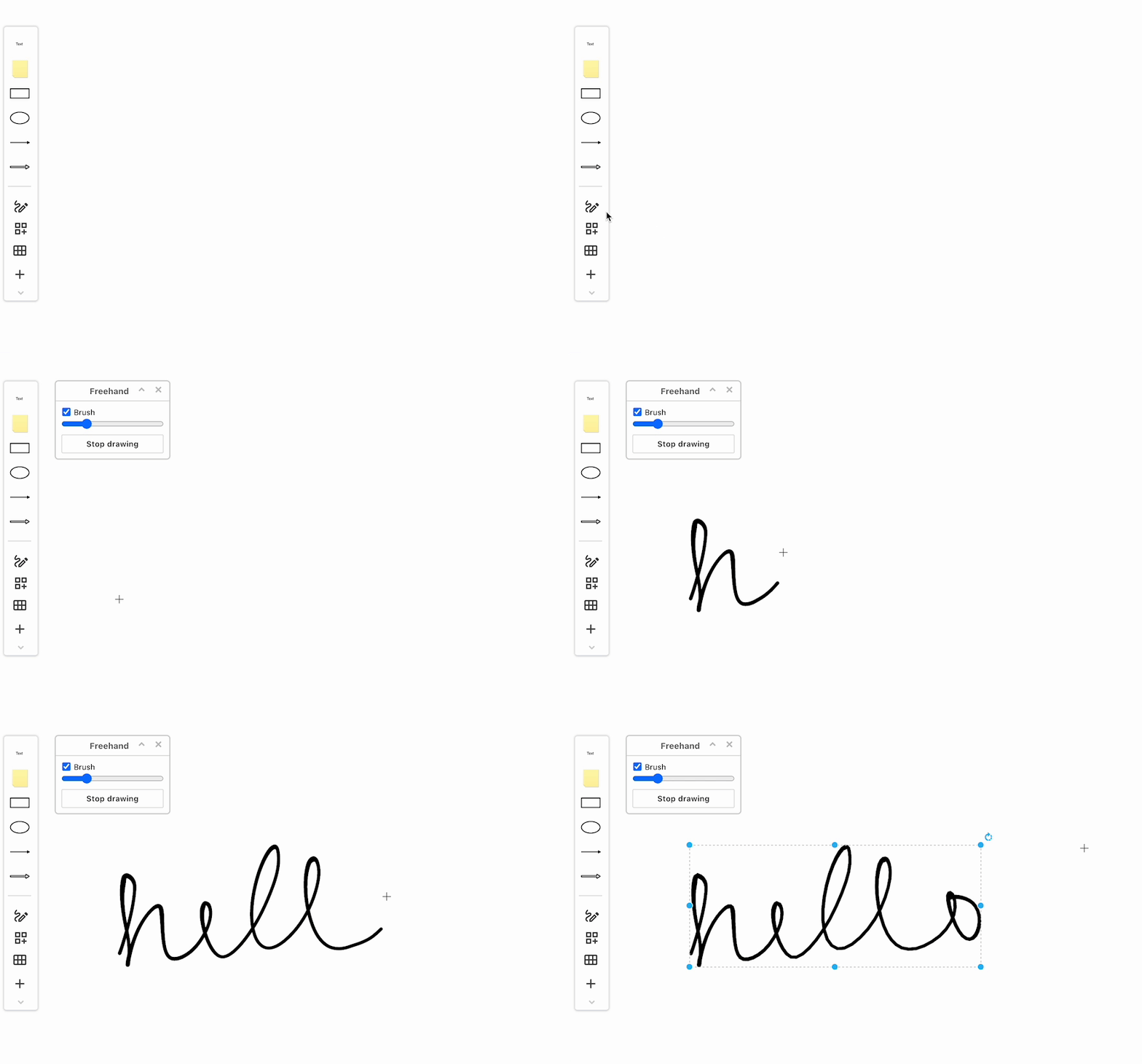
- Select Arrange > Insert > Freehand to open the Freehand dialog.
If you are using the Sketch whiteboard-like editor theme, click on the Freehand tool (pen icon). - Draw your shape with your mouse (hold the left-mouse button down to draw).
When you let go of the left mouse button, or raise your finger or tablet pen on a mobile device, what you have drawn will be converted to a shape with a transparent background automatically.
To stop: Click Stop drawing to be able to select and style those shapes with the mouse - otherwise mouse clicks on the drawing canvas will continue to draw freehand shapes.
To create a freehand shape with a thicker line, ensure the Brush checkbox is enabled and increase the slider width, then draw your freehand shape.
While you can draw a freehand shape with the mouse, you may find it easier to diagram freehand on a tablet with a pen.